Usage
API
The API serves two endpoints:
-
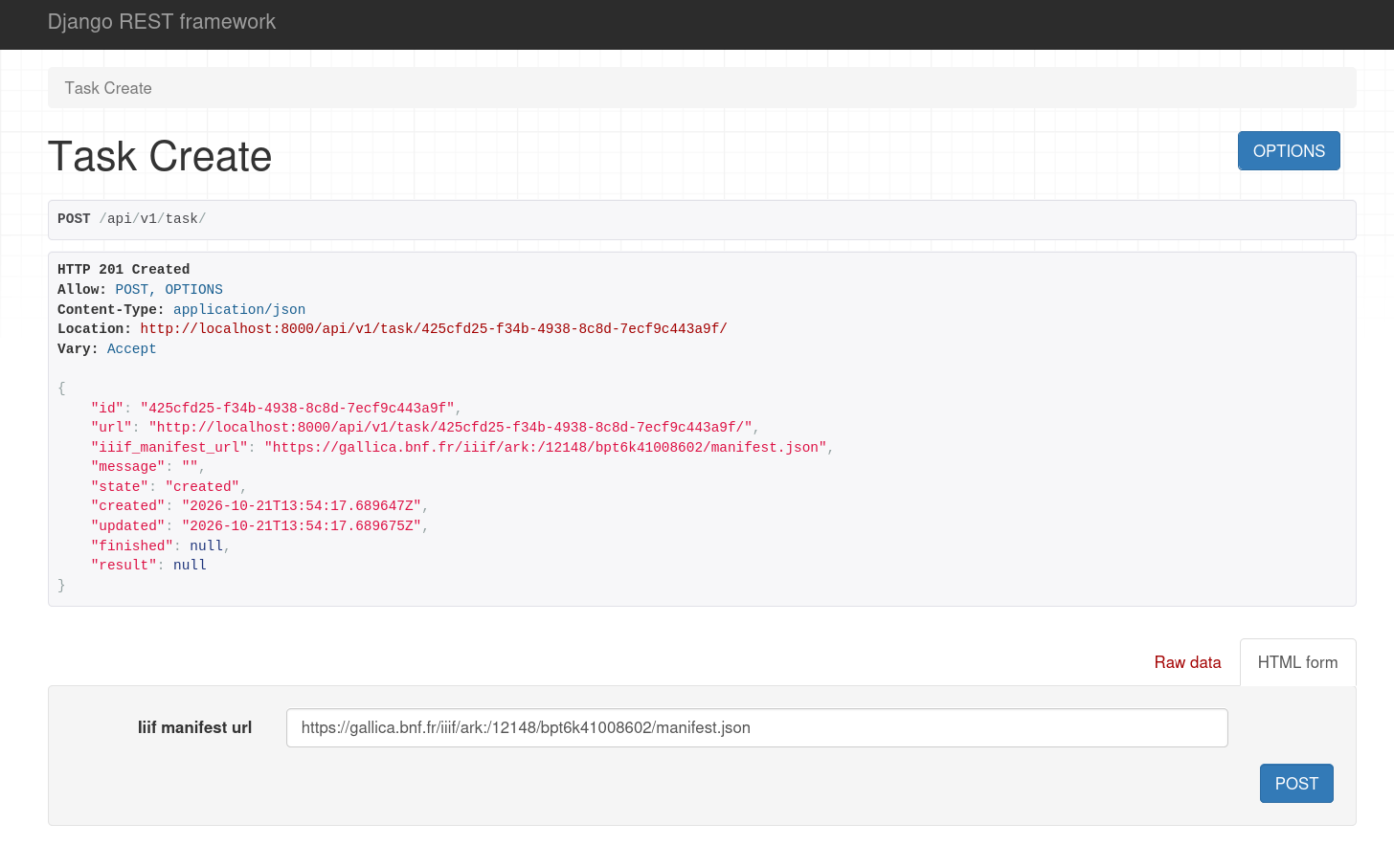
POST /api/v1/task/allows you to create a new processing task, providing only a remote IIIF JSON manifest URL, -
GET /api/v1/task/<TASK_ID>/gives the current state of a given task, with a full result payload when available.
| No authentication is required to use these endpoints. |
With Python
Here are examples on how to use the API with Python and the requests library.
import requests
import time

# Create a new task
resp = requests.post("http://localhost:8000/api/v1/task/", json={"iiif_manifest_url": "https://gallica.bnf.fr/iiif/ark:/...."})
resp.raise_for_status()
data = resp.json()

print(f"Started task {data['id']}")
url = data['url']

# Wait for result
while data['state'] not in ("error", "completed"):
    resp = requests.get(url)
    resp.raise_for_status()
    data = resp.json()
    print(data['state'])
    time.sleep(1)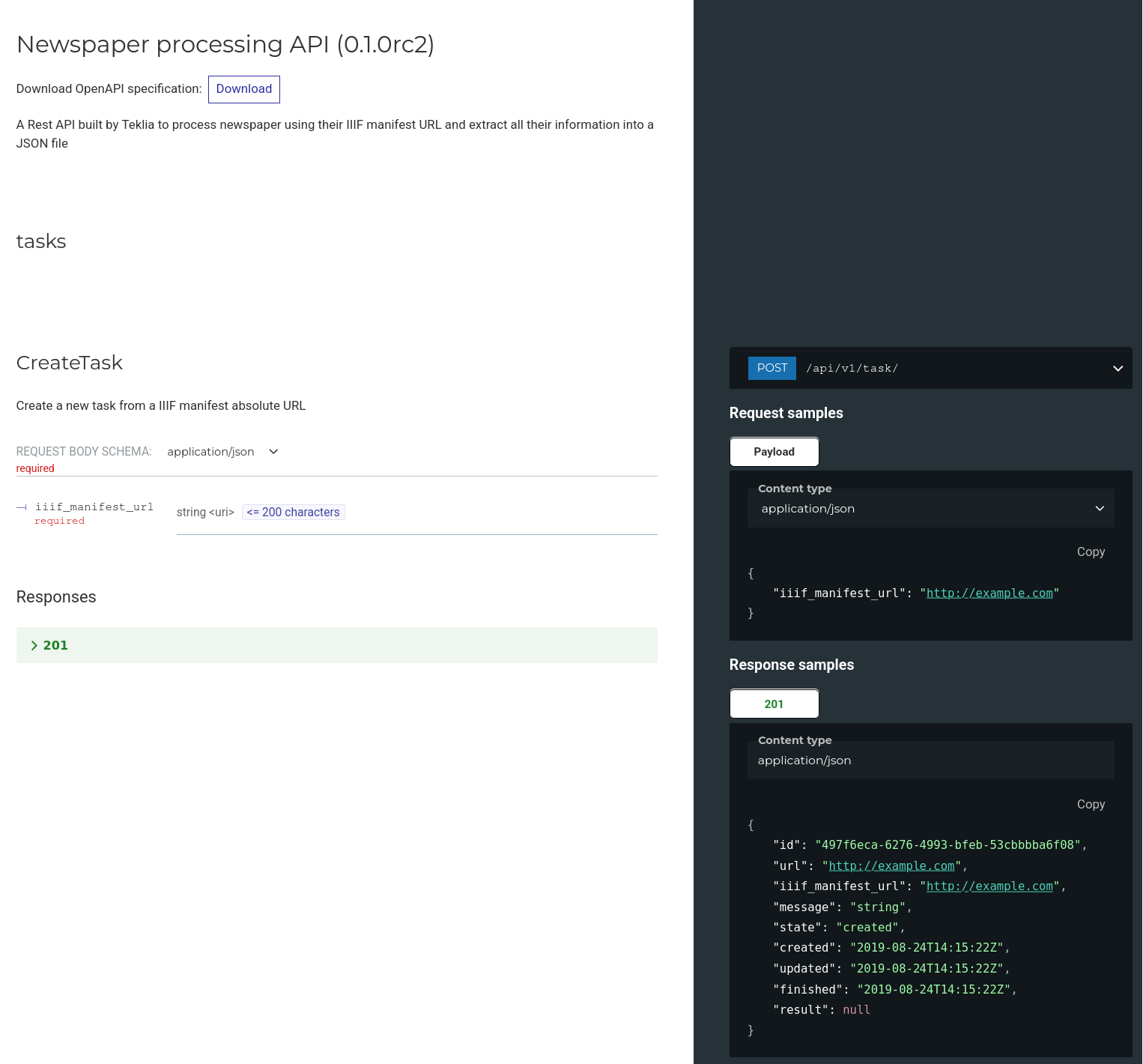
Administration interface
An administration web interface is available at the /admin/ url, using your web browser and the credentials created by the django-admin createsuperuser command during deployment.
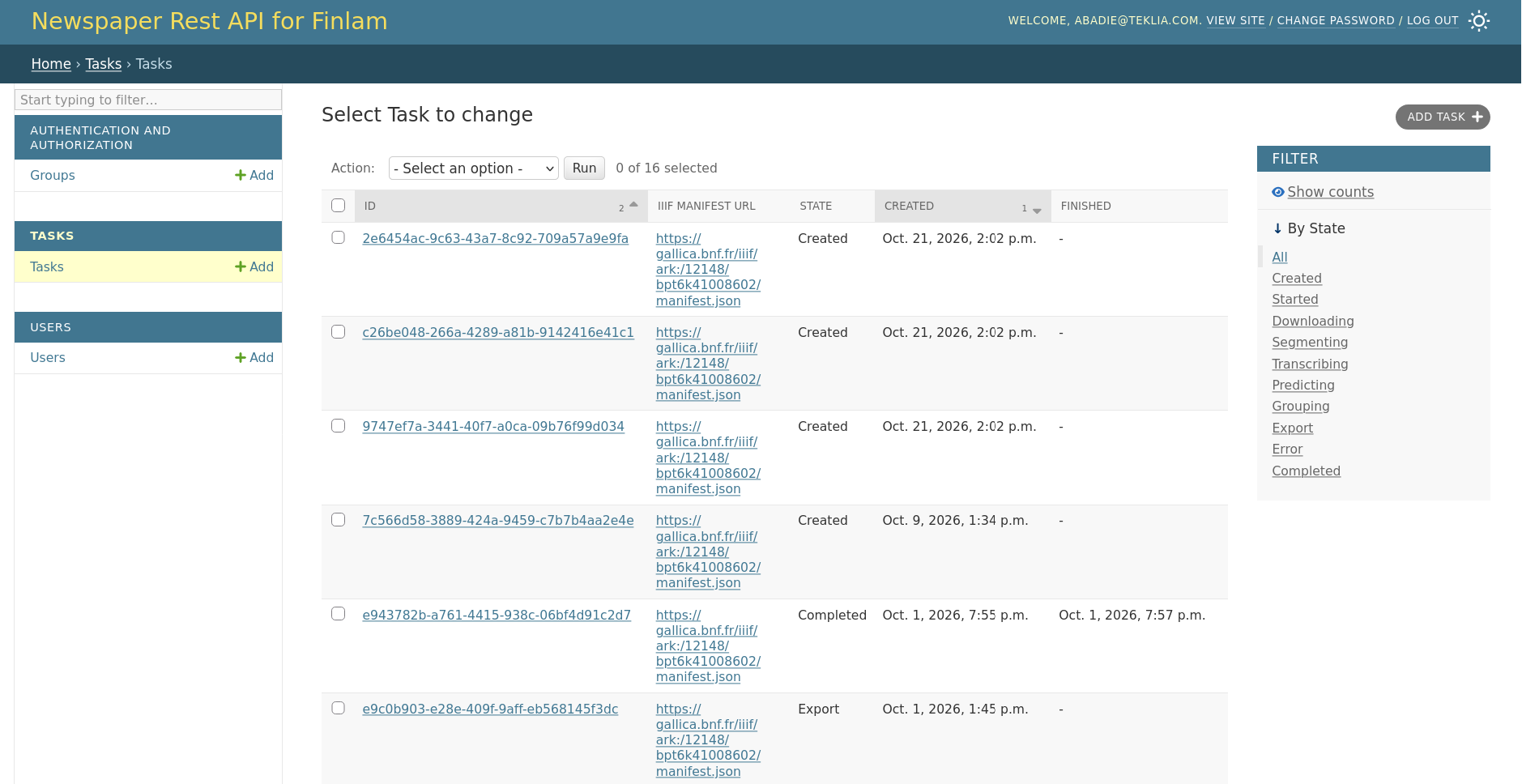
From that interface, you can:
-
manage users
-
create new tasks manually
-
view all existing tasks