Reduce embeddings
Embeddings imported from Arkindex are usually large (dimensions between 1024 to 2048), which makes them slow to compare and harder to cluster. Grappa reduces them to a smaller size, using the UMAP algorithm, before generating clusters.
| Reducing embeddings is required: elements without a reduced embedding cannot be clustered. |
Start a reduction
You can start a reduction from the project details page, by clicking on the Reduce embeddings button in the project navigation or in the Reduction row of the project status table. That button is disabled until at least one element with an embedding has been imported.
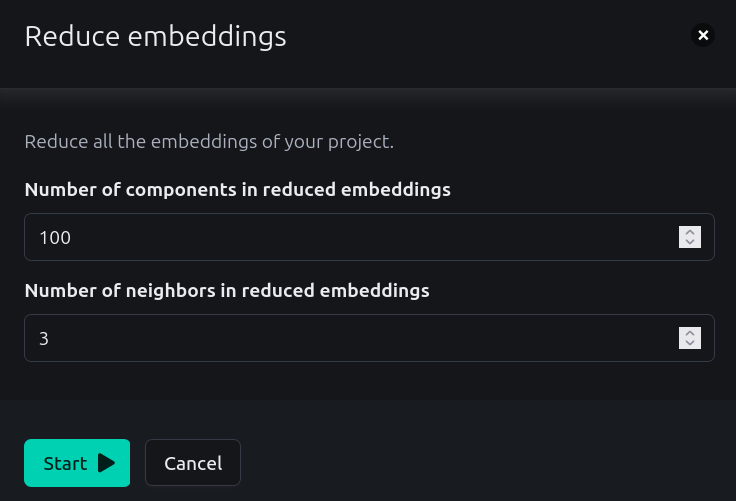
The reduction always applies to all the embeddings of the project at once. It opens a modal with two settings:
|
Size of the reduced embeddings, |
|
Number of neighbors considered around each element by UMAP, |
Both settings are stored on the project, and must be greater or equal to 1. The number of components must also be greater or equal to the number of neighbors plus two.
| All the embeddings of a project must have the same size. If several sizes are found, the reduction is refused and you need to ask a Grappa administrator to remove all embeddings of that size. |
Hit Start to run the reduction. You are then redirected to the details of the newly created task, where you can follow its progress. All the tasks of a project are also available through the List tasks link of the project navigation.
A reduction may take a while on large projects. Once it is over, the Reduction row of the project status table is marked as OK.
Next step
Once you have reduced your embeddings, you can generate clusters to group them.